
Lesson Goal
Create a batch file that bypasses Windows 11 hardware checks.
Step-by-Step Guide
-
Go to your Desktop.
-
Right-click → New → Text Document.
-
Open the new text document.
-
Type the following command exactly:
-
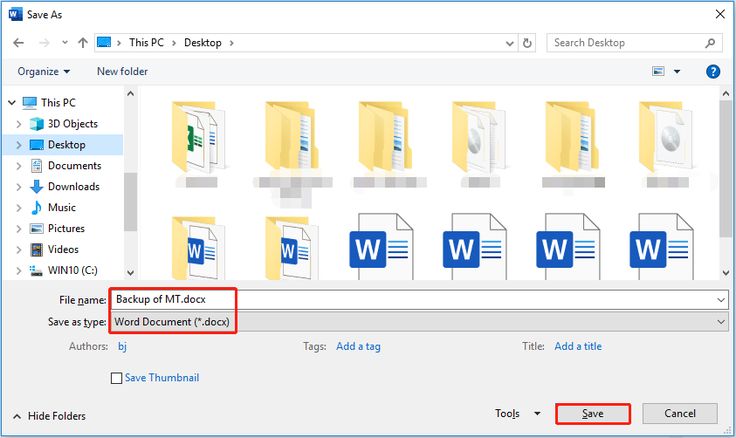
Click File → Save As.
-
Navigate to the folder where the Windows 11 ISO files were extracted.
-
In the File name field, type:
-
Click Save.
-
Close Notepad.