
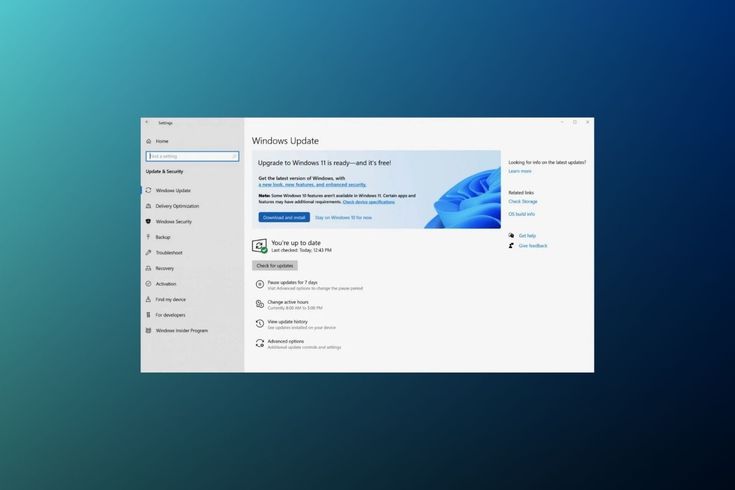
Lesson Goal
Start the Windows 11 upgrade process using the bypass method.
Step-by-Step Guide
-
Open the folder containing the extracted Windows 11 files.
-
Locate update.bat.
-
Double-click update.bat.
-
Click Yes if prompted by User Account Control.
-
The Windows 11 setup window will appear.
-
If the installer does not start:
-
Close everything
-
Run update.bat again
-
-
Click Next.
-
Accept the license terms.
-
Choose what to keep:
-
Select Keep personal files, apps, and settings (recommended).
-
-
Click Next.
-
Click Install.